
Eyal
Eyal.works
Project preview

Dating

What if Netflix made a dating app? Illustrated UI exploring comfort-based connection over performative attraction.

role

UI Design & Illustration

Course

"Your Cart is Empty" - Digital Product Illustration

Year

2025 (4th year, parallel to graduation project)

Duration

1 month

The ChallengeEasy Connections

In the Netflix world, there are many types of connections. The challenge was to find something that conveys the idea of two different things coming together - staying simple and universal, without relying on niche concepts.

Screen 1
My SolutionObvious Connection

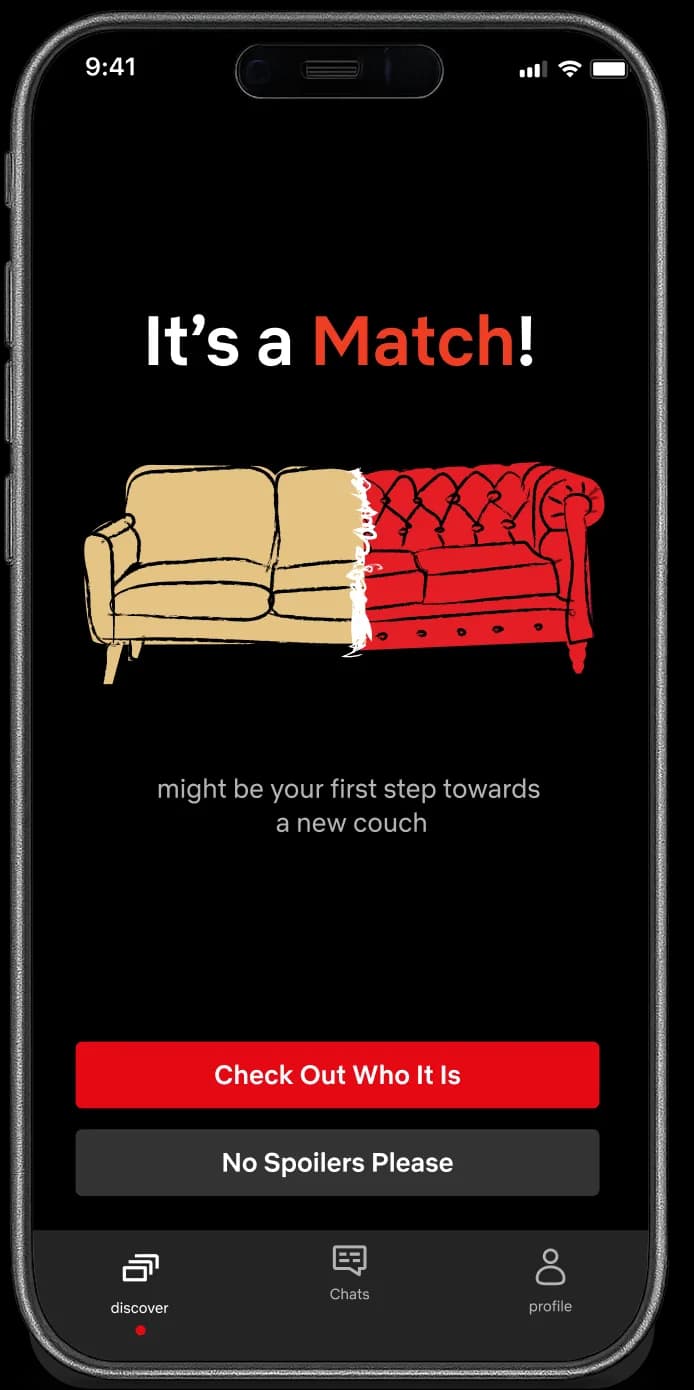
Your couch is perfectly adjusted - the angles, the cushions, the softness. But when someone new enters the picture, maybe it's worth investing in something that works for both of you. Two couches side by side: one beige, one red velvet. Different styles, same vibe.

The ChallengeDefine 'Missing'

The Empty State needed to tell the user: 'You're missing something that could make your life easier' — and position the app as the solution.

Screen 2
My SolutionA Trivial Pain

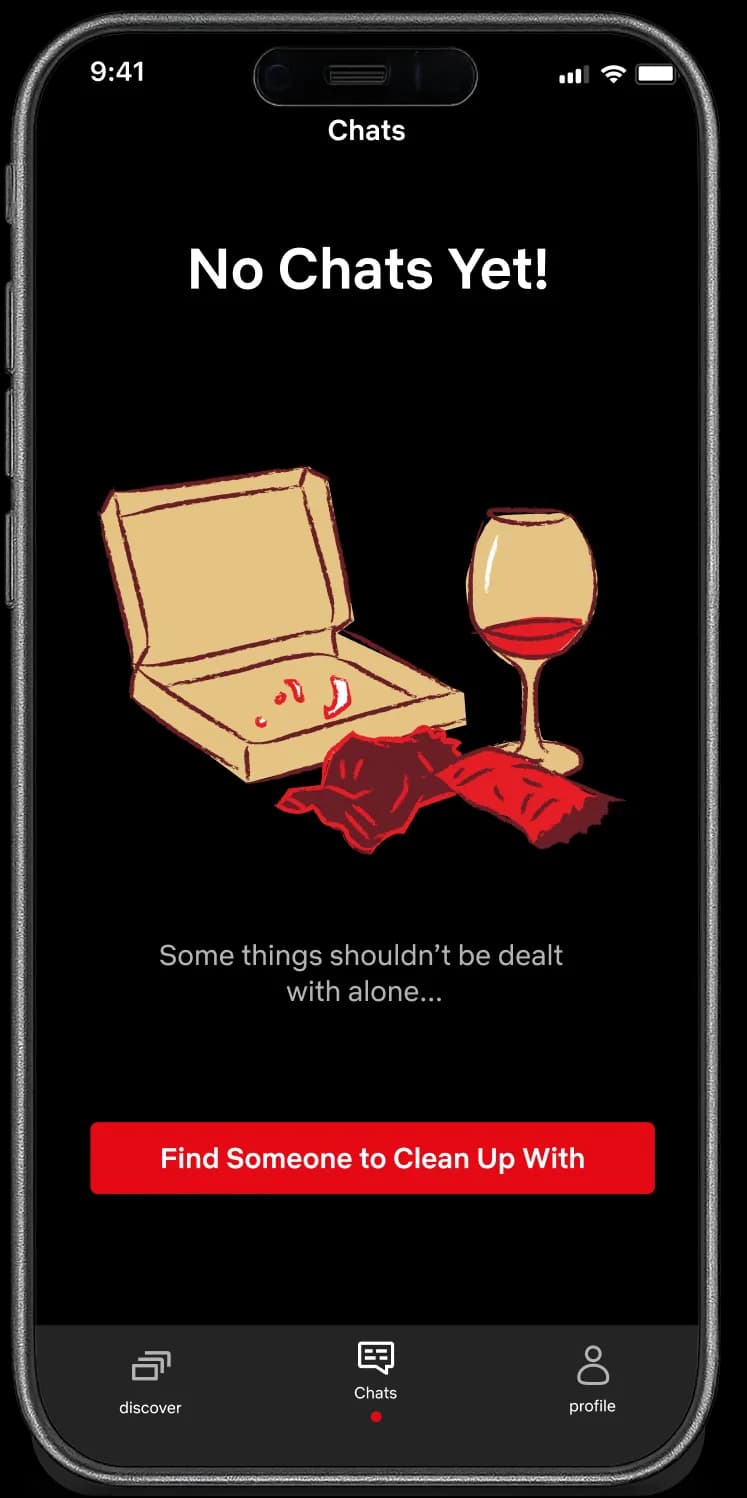
I identified the trivial pains of solo Netflix nights and illustrated them honestly. By showing an empty pizza box and a half-finished glass of wine, I validated the messy reality of watching alone. The message isn't 'you need someone.' It's 'some things are just easier together.'

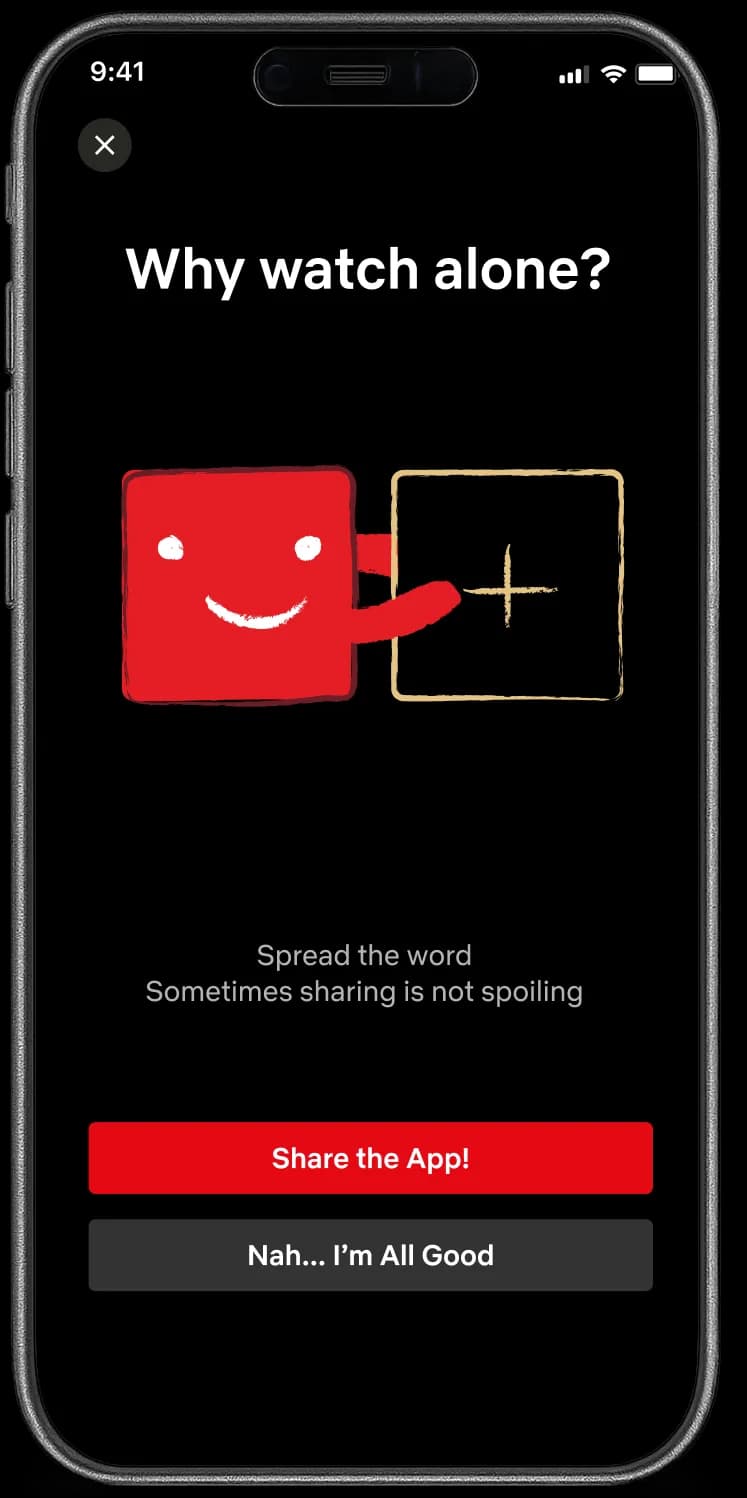
The ChallengeImmediate Dismissal

The 'Share the App' screen often feels like a burden. Users feel the app is forcing them to do something they don't want to. How do you make someone pause before closing the window — and maybe act differently?

Screen 3
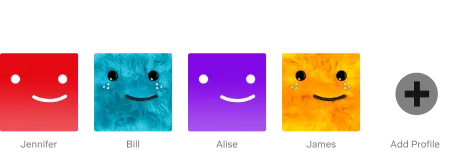
My SolutionIrony

According to Netflix's rules, account sharing isn't allowed. Yet we all know the profile selection screen — filled with family members, friends, and 'definitely not your ex.' I took that familiar restriction and flipped it. This time, Netflix wants you to share.

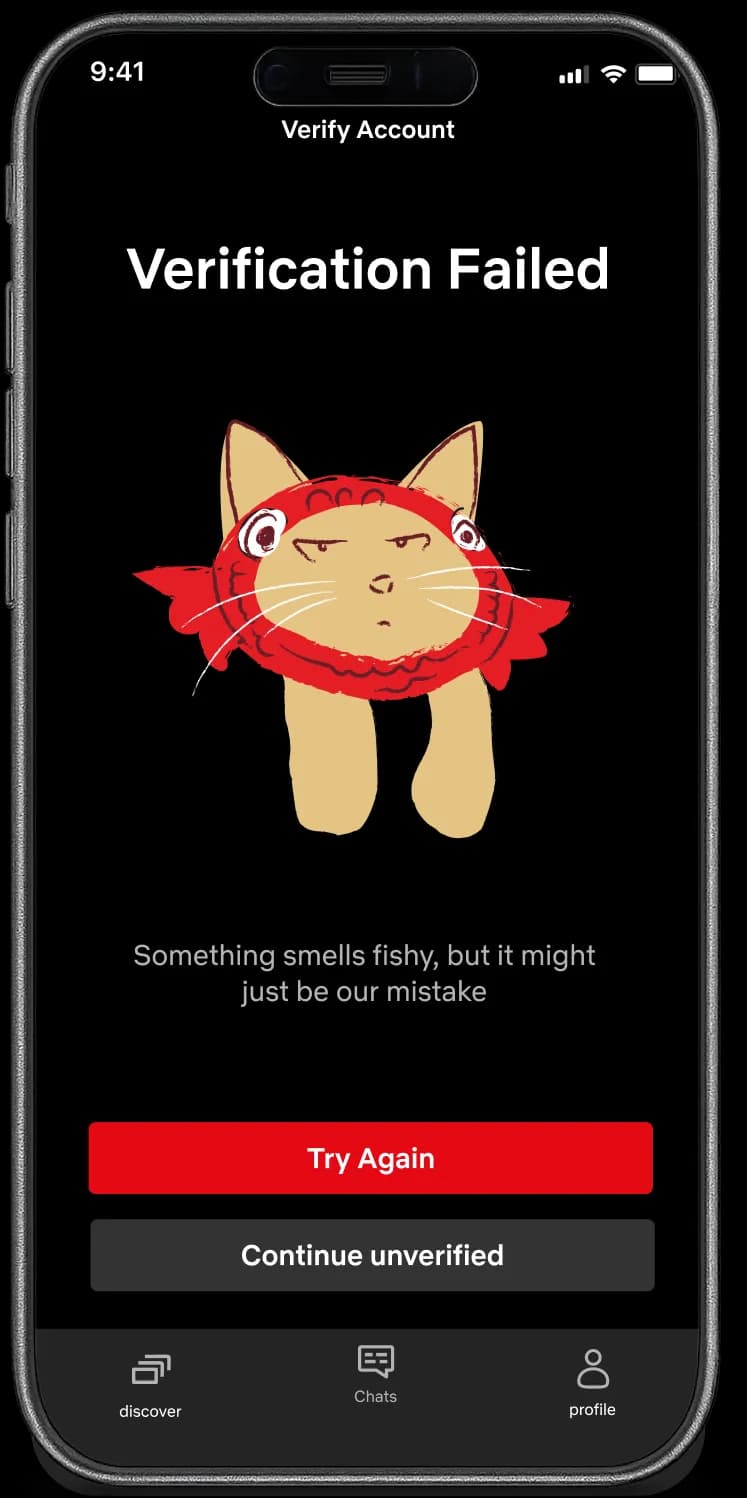
The ChallengeDefusing Frustration

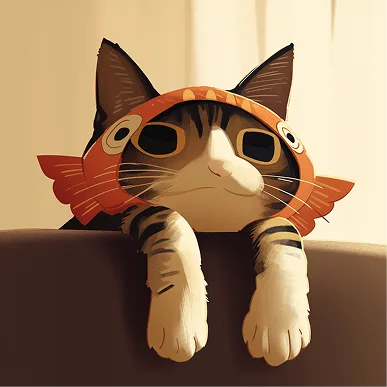
The 'Verification Failed' screen is all about frustration. It touches on pains people don't speak about — they might feel guilty, worried that their photos don't represent them, or concerned that someone else is using their image.

Screen 4
My SolutionEmpathy in Frustration

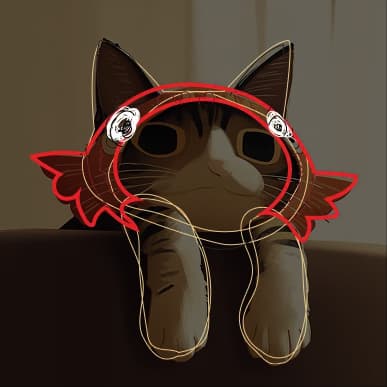
I turned the colloquial term 'Catfish' into the illustration itself: a grumpy cat wearing a fish hat, clearly unimpressed. This shifts blame from user to app — transforming 'Why won't you verify me?' into 'How dare you think I'm fake?' By humanizing the error with humor, users are more likely to try again.

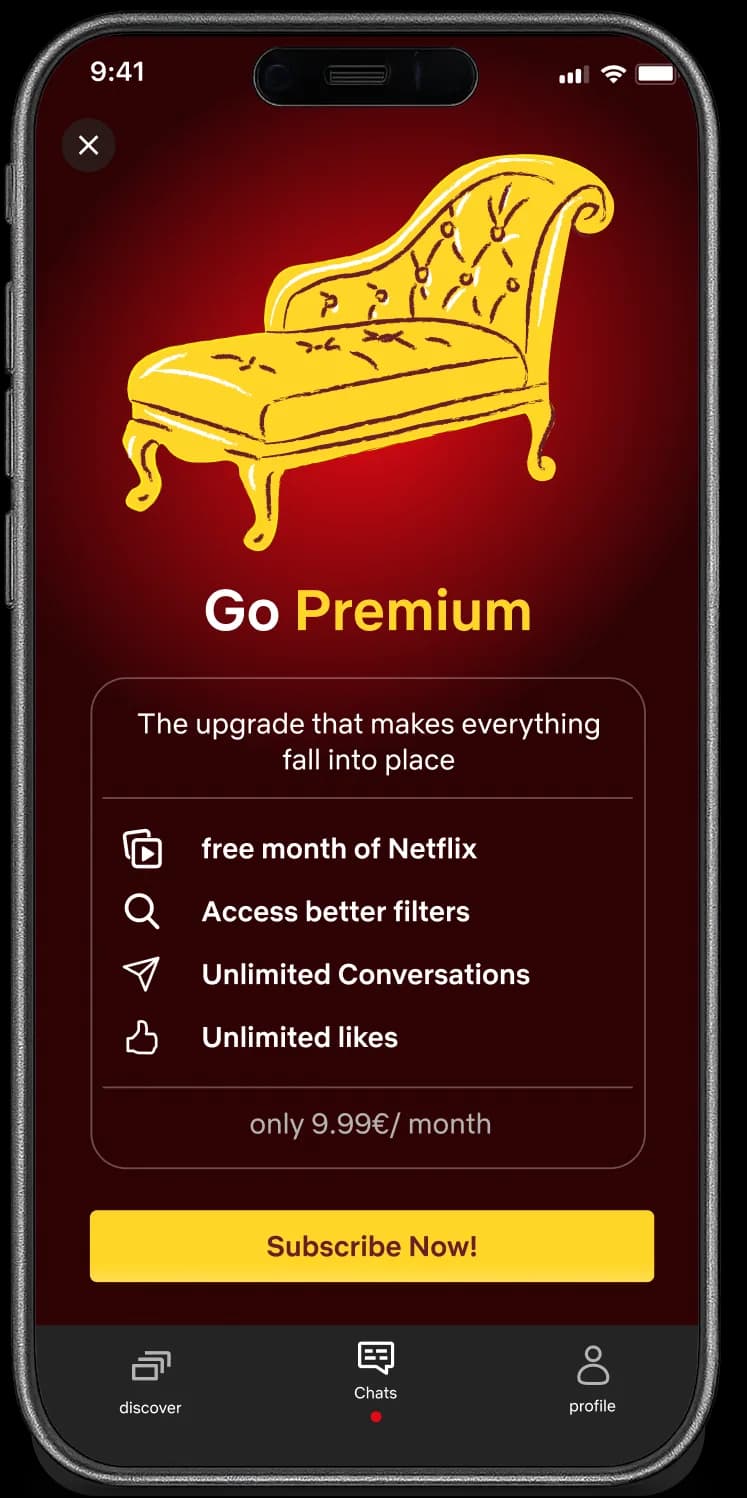
The ChallengeSame Same but Different

The premium screen offers users an elevated experience — something they don't have yet. It's about adding what's missing. Premium usually gets a distinct color while staying true to the original brand.

Screen 5
My SolutionA Golden Addition

Literally an addition: a chaise lounge. An extra piece that upgrades the entire couch. For the color, I introduced a golden yellow — still warm and inviting, but distinctly premium. If the app is about the living room experience, premium should be the ultimate piece of furniture.

Screen
the challengeNew Format

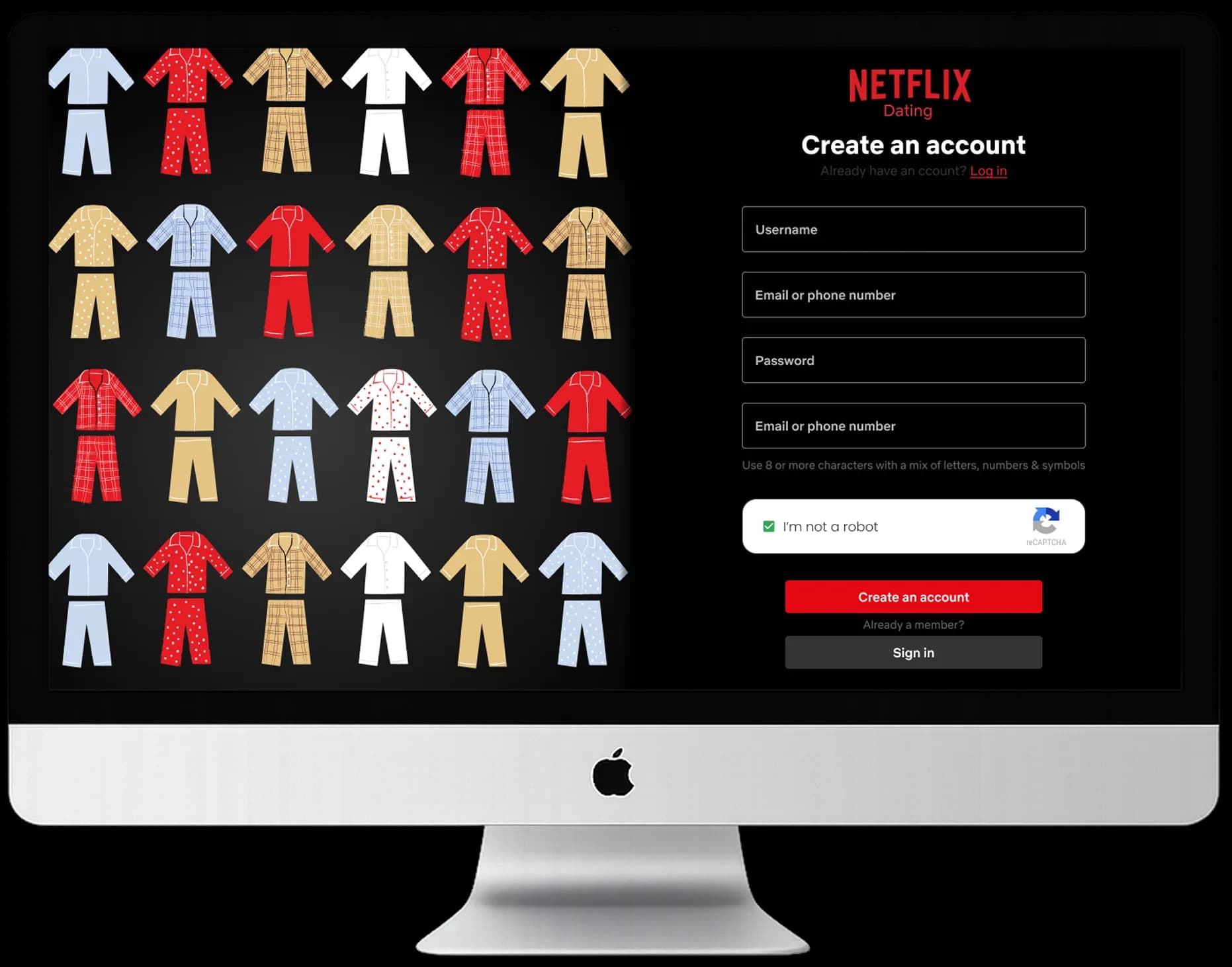
Desktop required rethinking everything. Larger canvas, more detail, different mindset. Beyond illustration - I needed to design the interface.

My SolutionMultiplicity & Variety

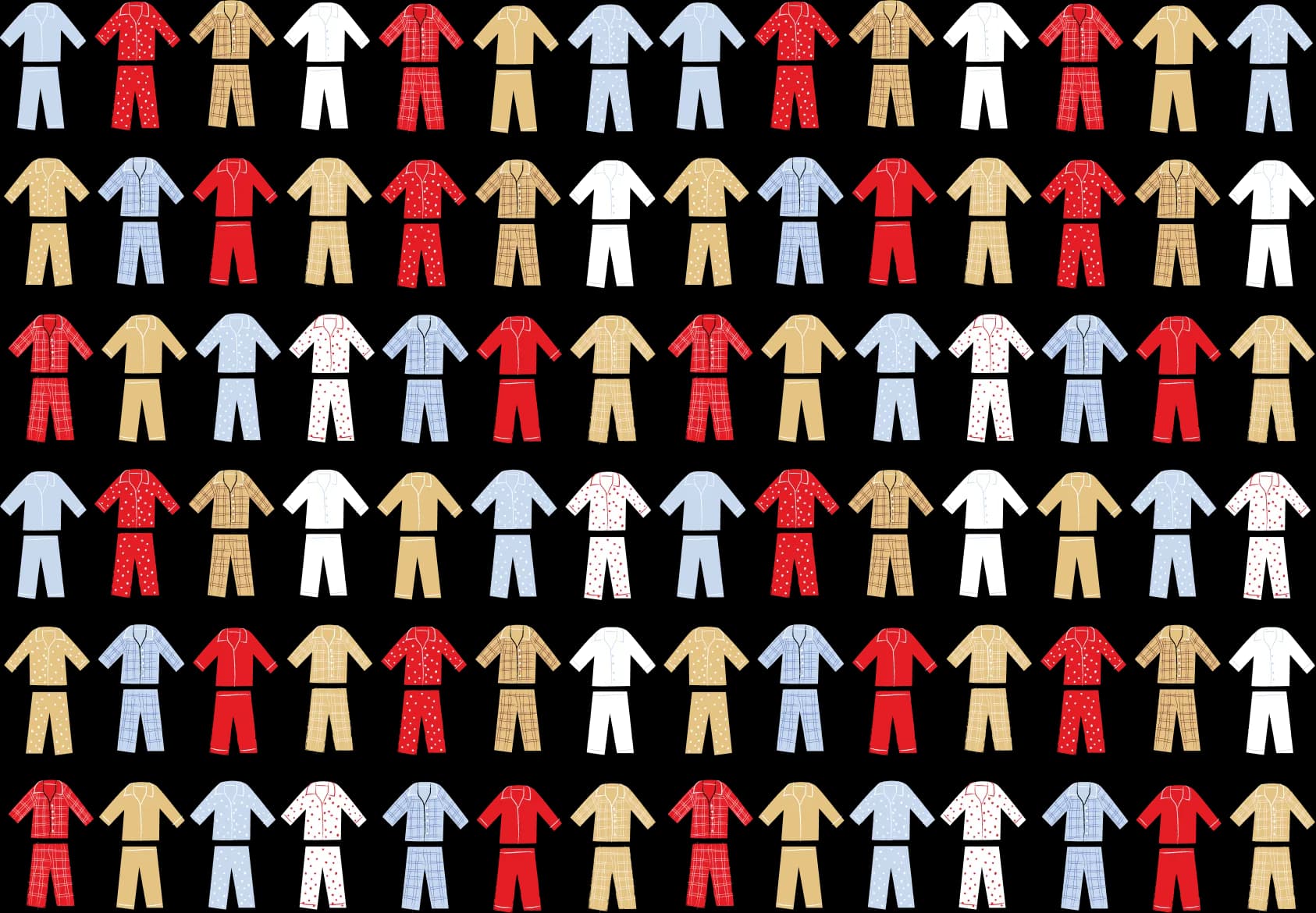
Larger screen allowed detail—I chose pajamas. Cozy, relatable. Repeating patterns: visual richness, variety, familiarity. All kinds of people, all kinds of pajamas.

Design Language

Typography
Aa Bb Cc Dd Ee Ff Gg Hh Ii Jj Kk Ll Mm Nn Oo Pp Qq Rr Ss Tt Uu Vv Ww Xx Yy Zz
0123456789
!"#$%&'()*+,-./:;<=>?@[\]^_`{|}~
Netflix Sans

Official Netflix font, light weight for subtle elegance

Colour

Keeping the same theme of Netflix while adding warmth and prestige

Dark Grey

Primary background

HEX: #333333

White

Basic contrast

HEX: #FFFFFF

Netflix Red

Brand primary

HEX: #E41E26

Netflix Dark red

Brand primary

HEX: #710F11

Beige

Complementary accent with warmth undertones

HEX: #E4C384

Golden Beige

Unique feeling of luxury and warmth

HEX: #FFD628

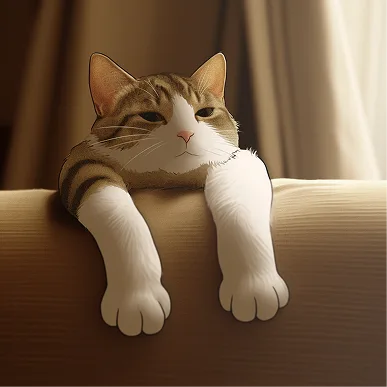
AI as a Blueprint

Starting Simple
Step 1

Starting Simple

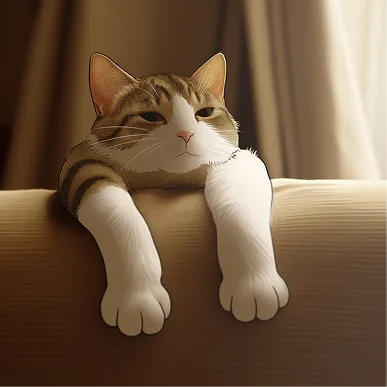
Throwing a prompt at AI to see what sticks.

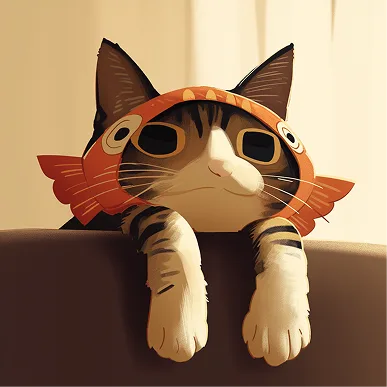
Adding the Twist
Step 2

Adding the Twist

Using the AI output as a base, adding a new layer. Giving it a fun twist.

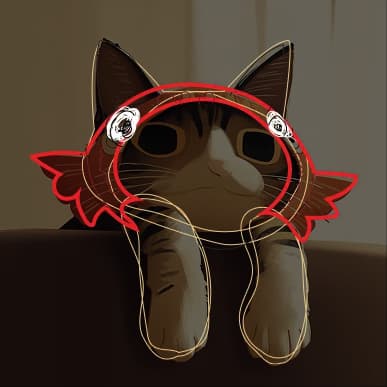
Hand Takes Over
Step 3

Hand Takes Over

Using the AI result as a base for hand-drawn outlines.

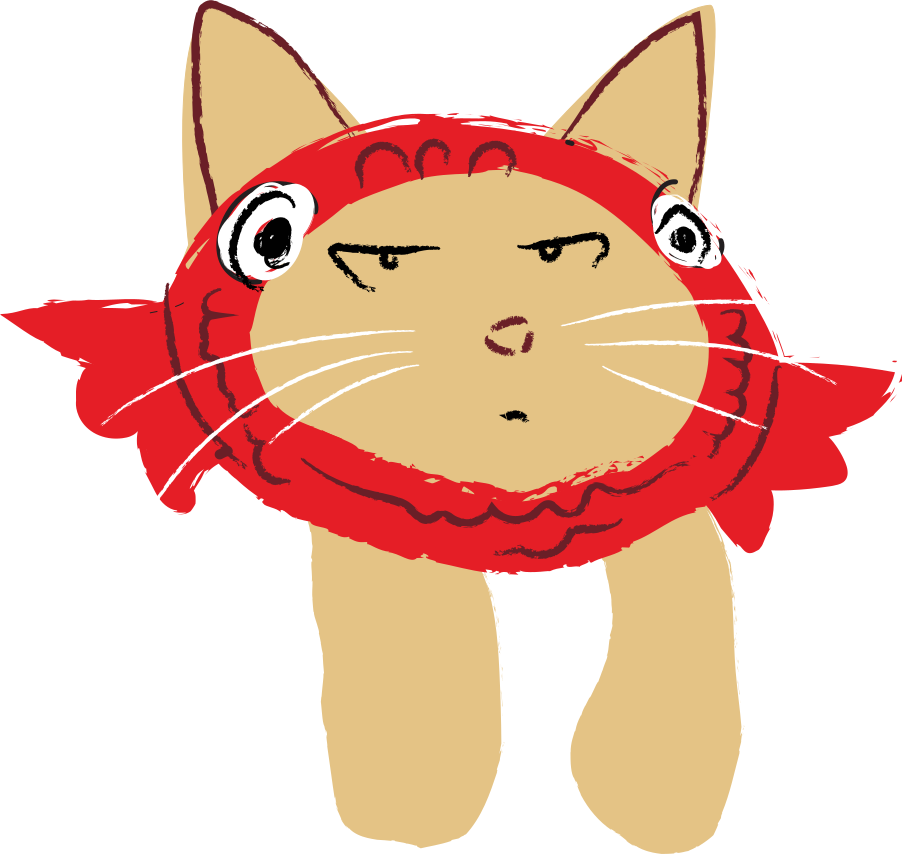
Making It Mine
Step 4

Making It Mine

Removing the AI layer, illustrating freely in my own style.