Final Project
2025
A new AI integrated journaling experience
Journaling app where AI asks the right questions to help you go deeper. Analyzes your writing to reveal emotional patterns and insights you couldn't see on your own. Visualized spatially in 3D rather than a linear feed - entries float in space as you explore different paths.
Role
UX/UI Design, Development
Course
Final Project
Year
2025
Duration
3 months
The Full Experience
Research & Discovery
The Challenge
Traditional journaling treats thoughts like a document: chronological, linear, one entry after another. But thinking isn't like that. You lose your thread, want to branch off, need to add context to something earlier-and the format fights you. It's hard to start, harder to sustain.
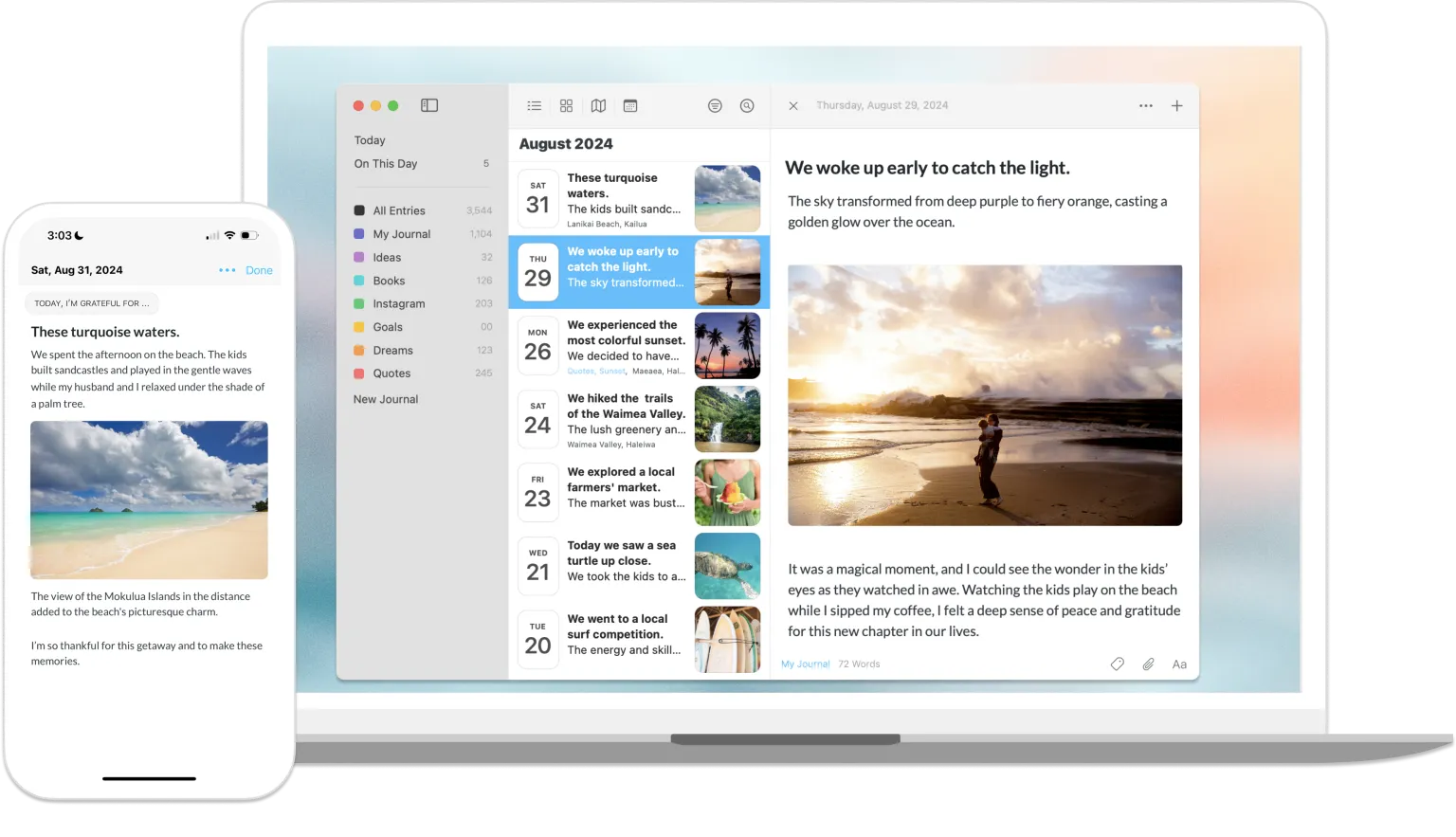
Understanding the Space
Thoughts branch and loop back. Linear writing forces one thread, abandons others. Memory clusters in space, not time.
Chronological order can't capture branching thoughts. There's a magic to wandering.
Atmosphere unlocks emotion. The system senses mood - night, fire, rain, calm - or you choose. Memory is feeling, not text.
what if journaling wasn't about capturing thoughts in order, but creating a space where they could exist, connect, and reveal themselves over time?
The Solution
A system that turns journaling into a spatial, AI-guided experience. You write. The atmosphere responds. The question vanishes after you answer, leaving only your thoughts. You can continue the flow, branch into new questions, or revisit earlier threads. Over time, a 3D world emerges - a spatial map of your inner landscape, where every composition is a place you can explore.
Key Features
Feature #1 - The Writing Experience
Writing intuitively means sometimes losing your thread. You get stuck or circle without clarity.
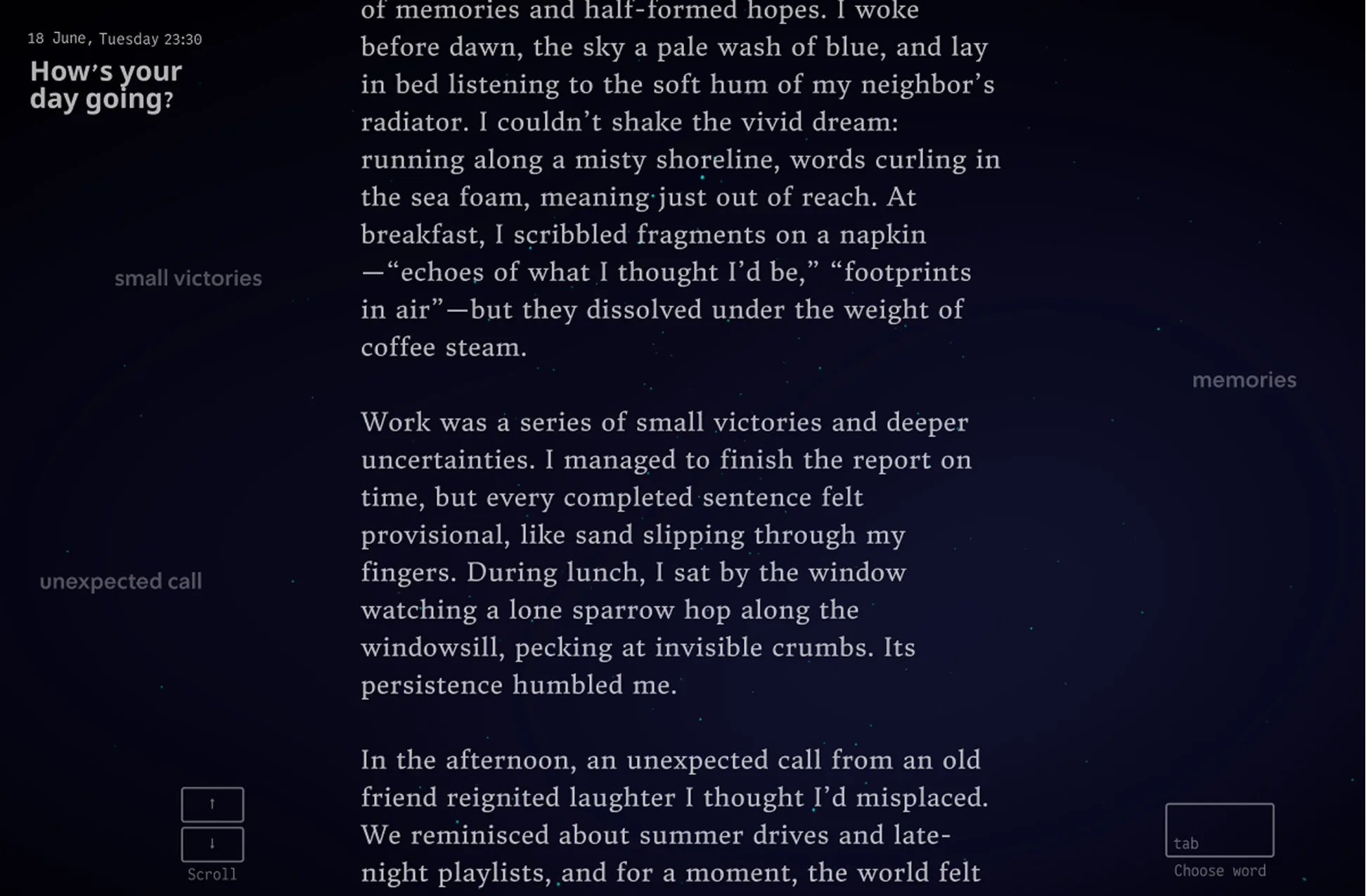
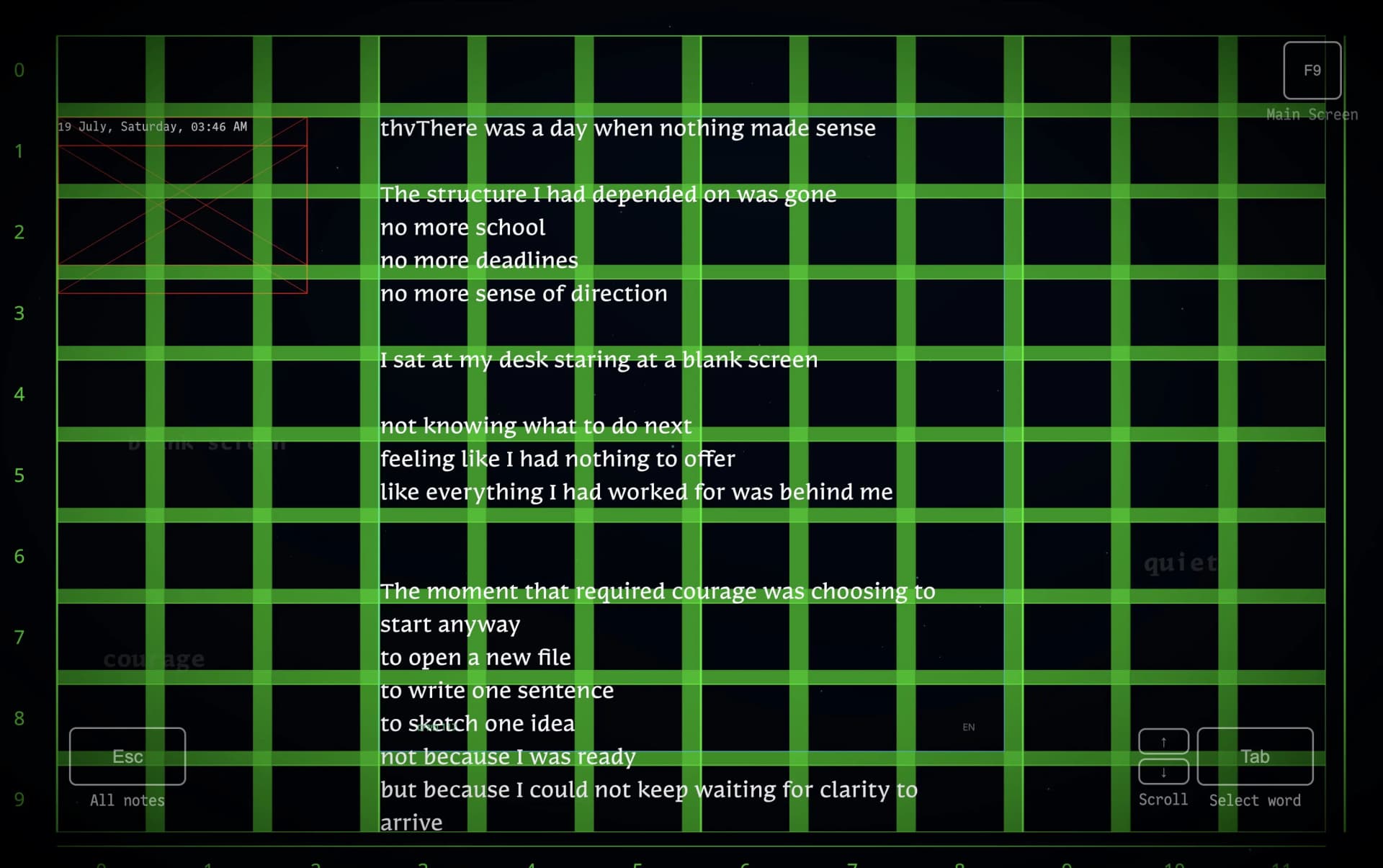
Words from your writing float faintly in the background. When you're stuck, press Tab - they come forward. Choose one, receive a question that helps you go deeper.
Write freely. Stuck? Tab → choose word → get question. Question vanishes, thoughts remain.
The Composition
I experimented with how questions should appear - pulsing, shaking, bold. Every variation pulled focus. The animations distracted from writing itself.
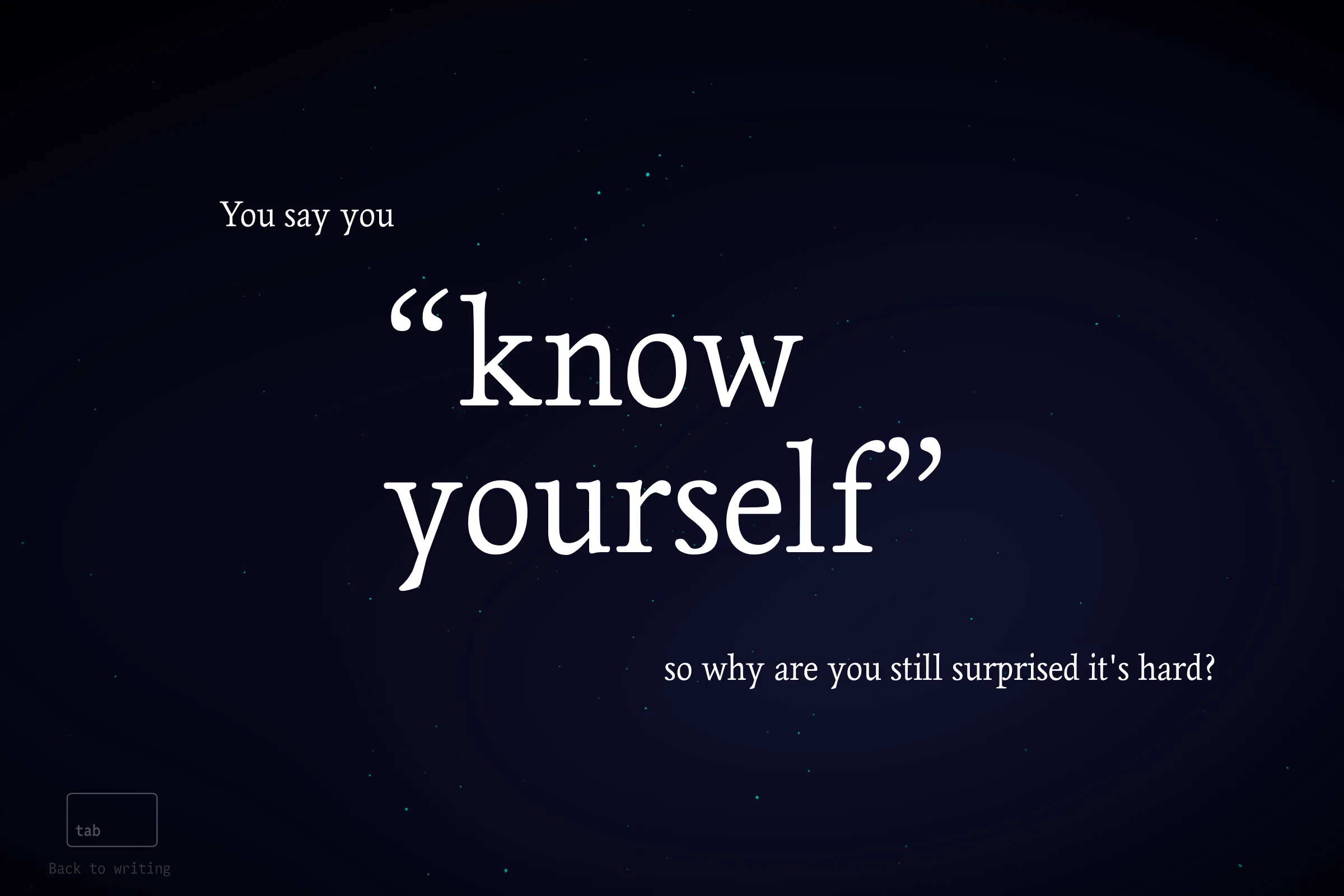
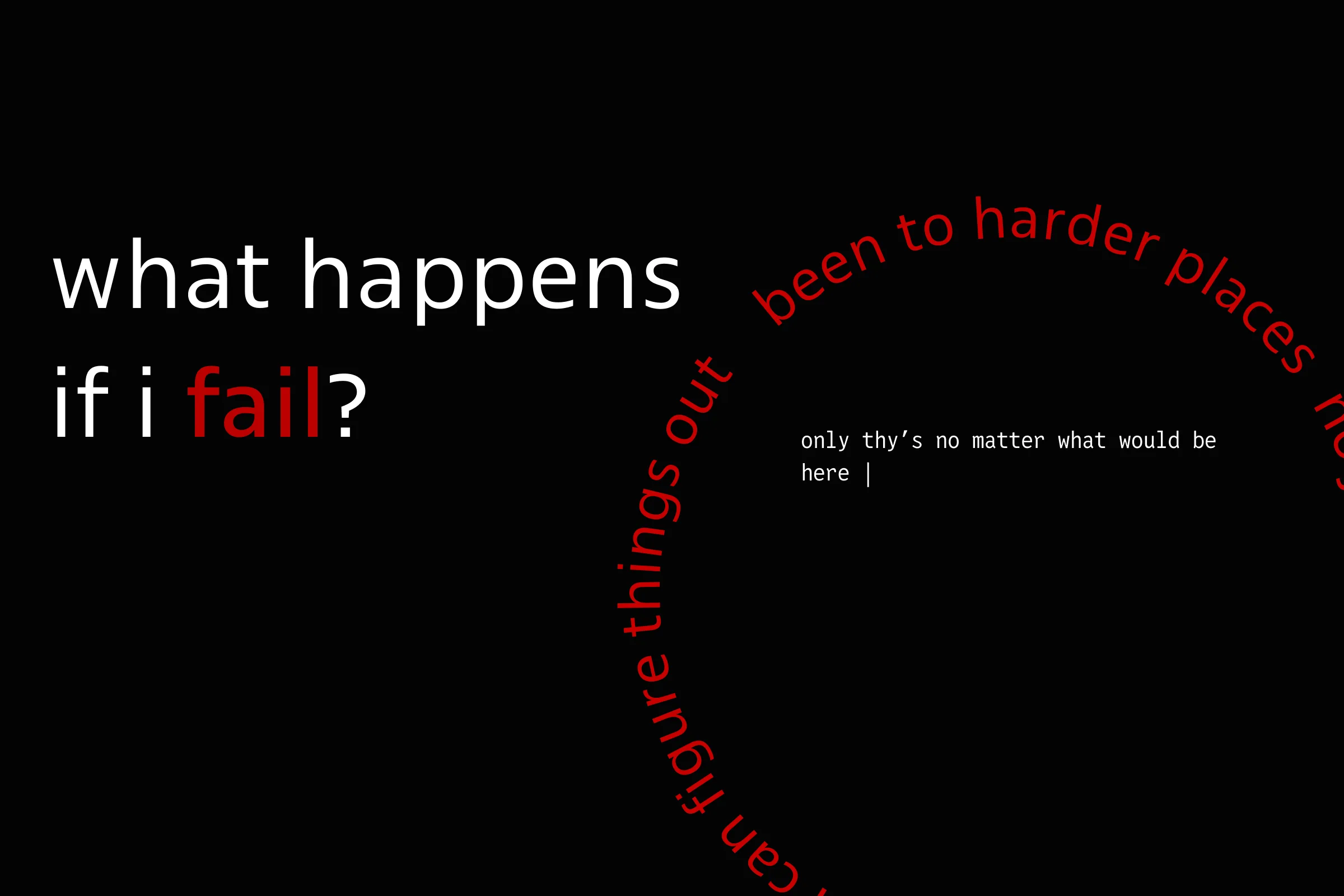
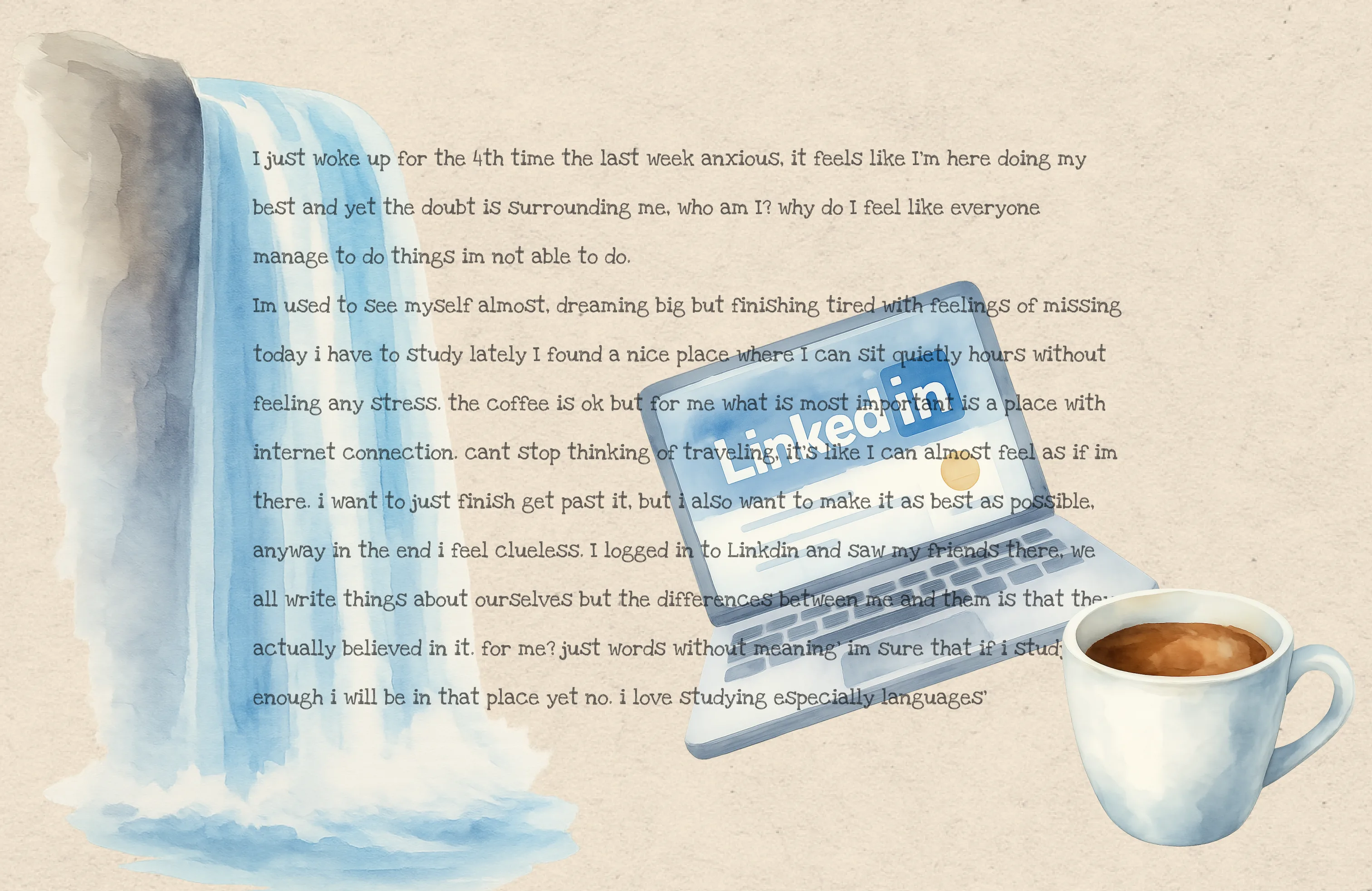
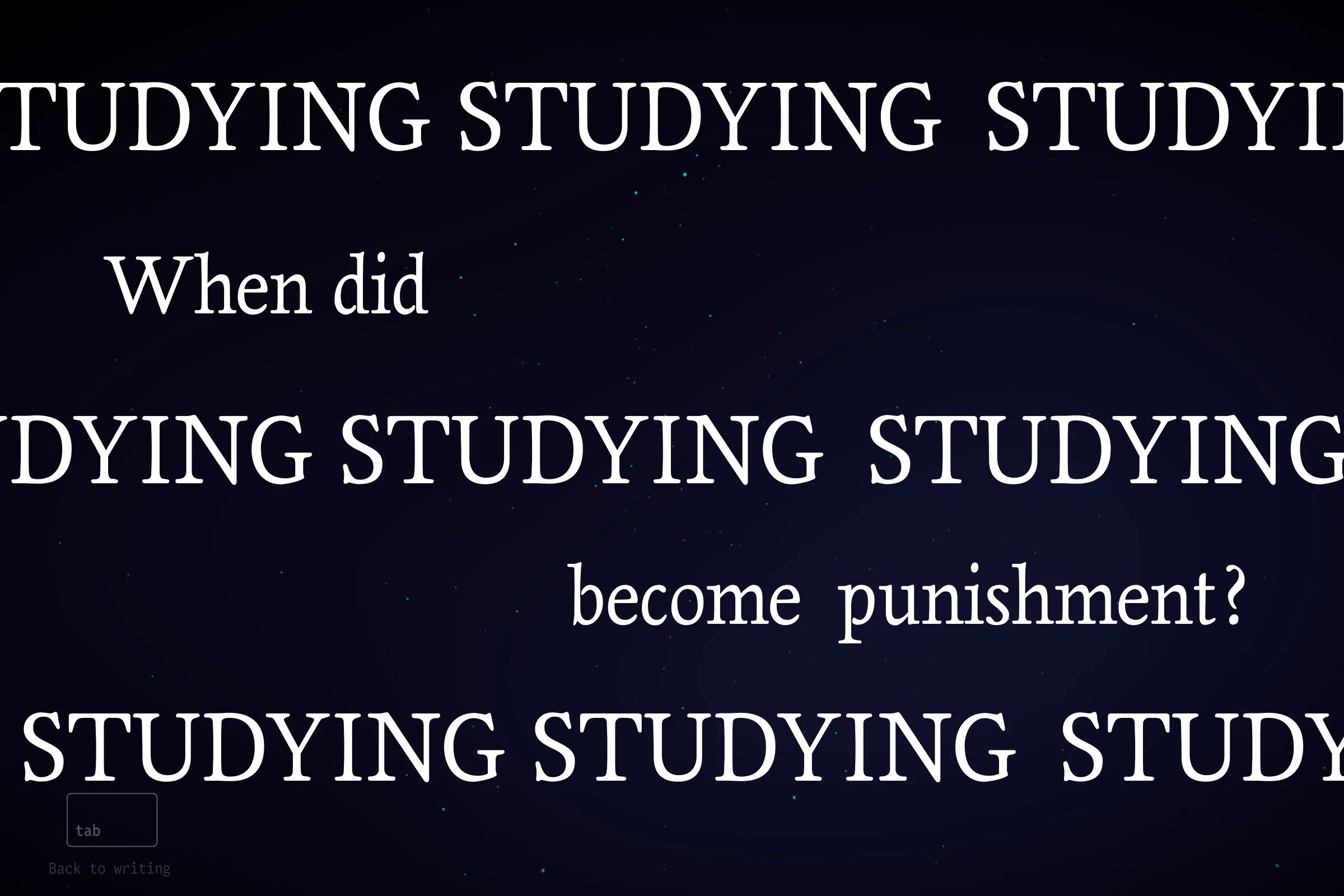
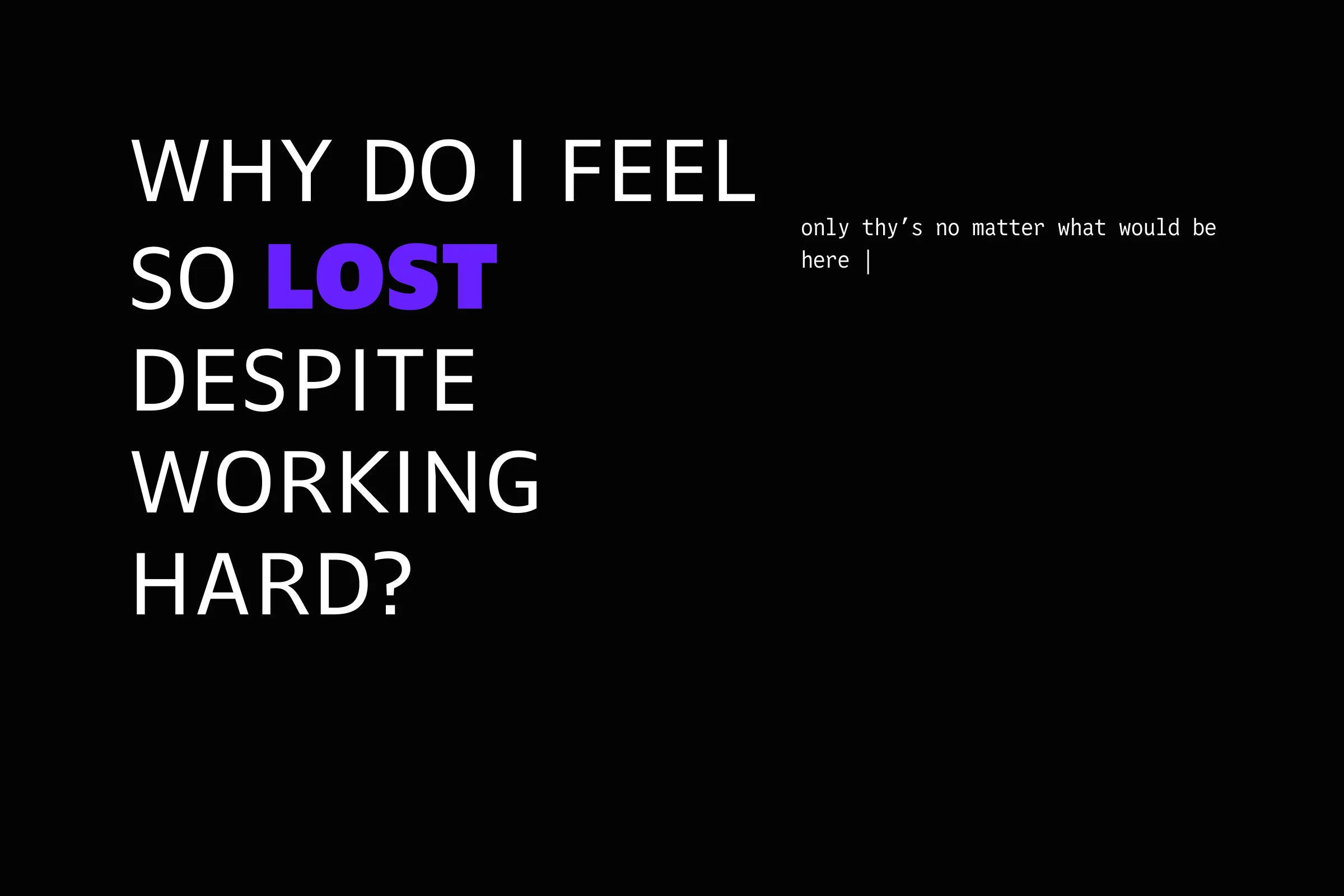
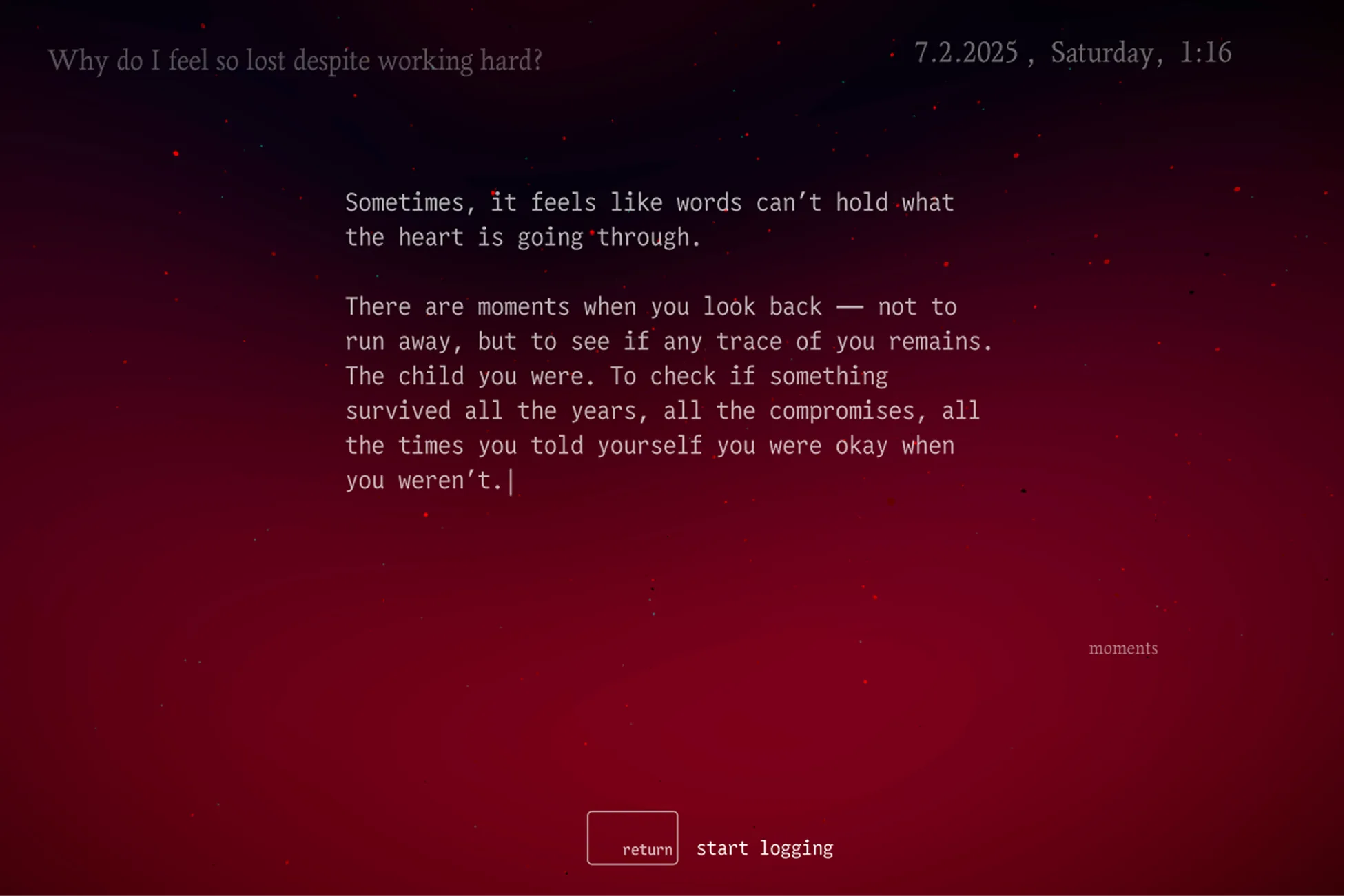
I stripped it down to something familiar: a journal page. Date, time, a small question at the top - then space. Just text and a blinking cursor that says "just write."
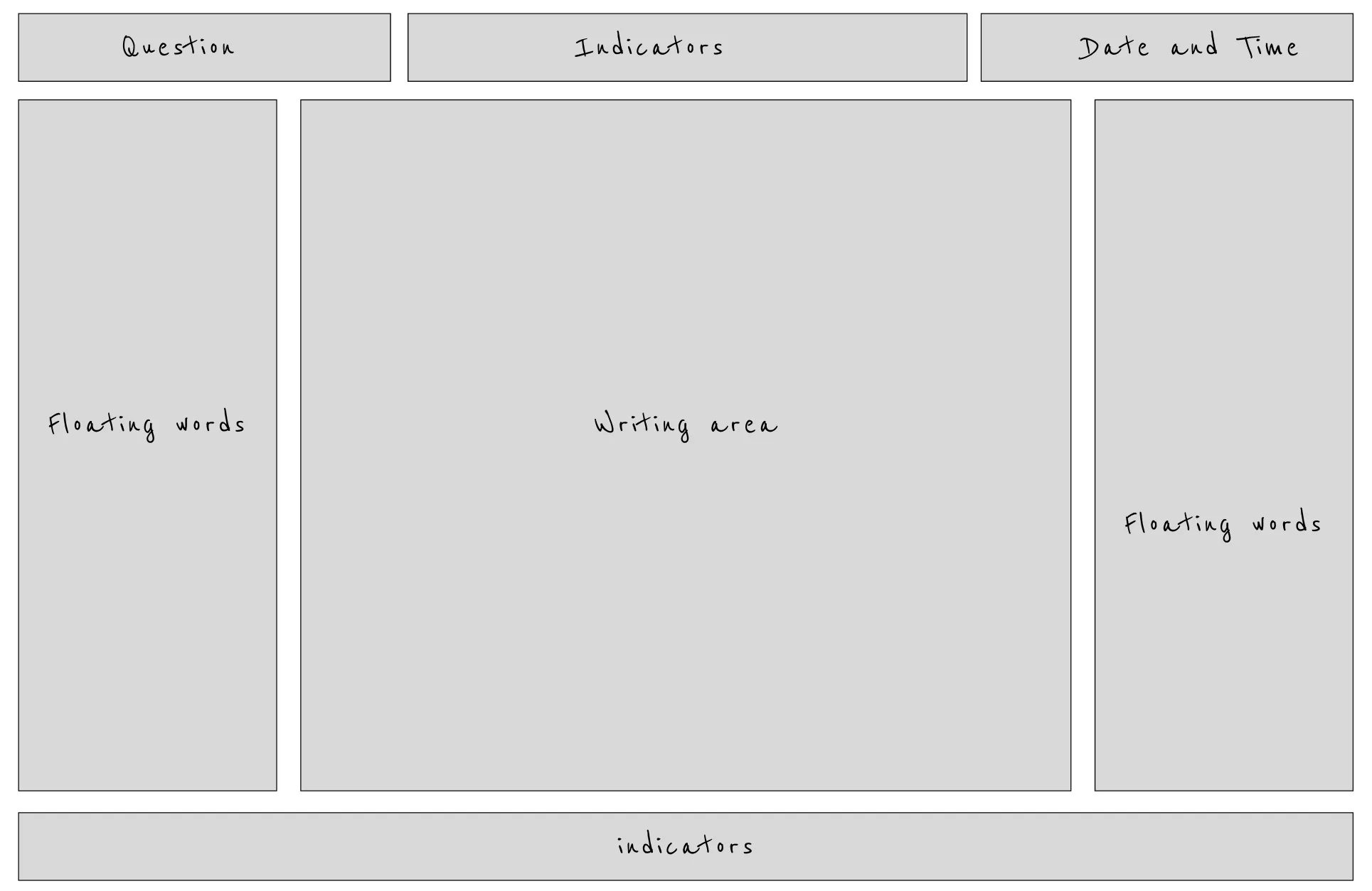
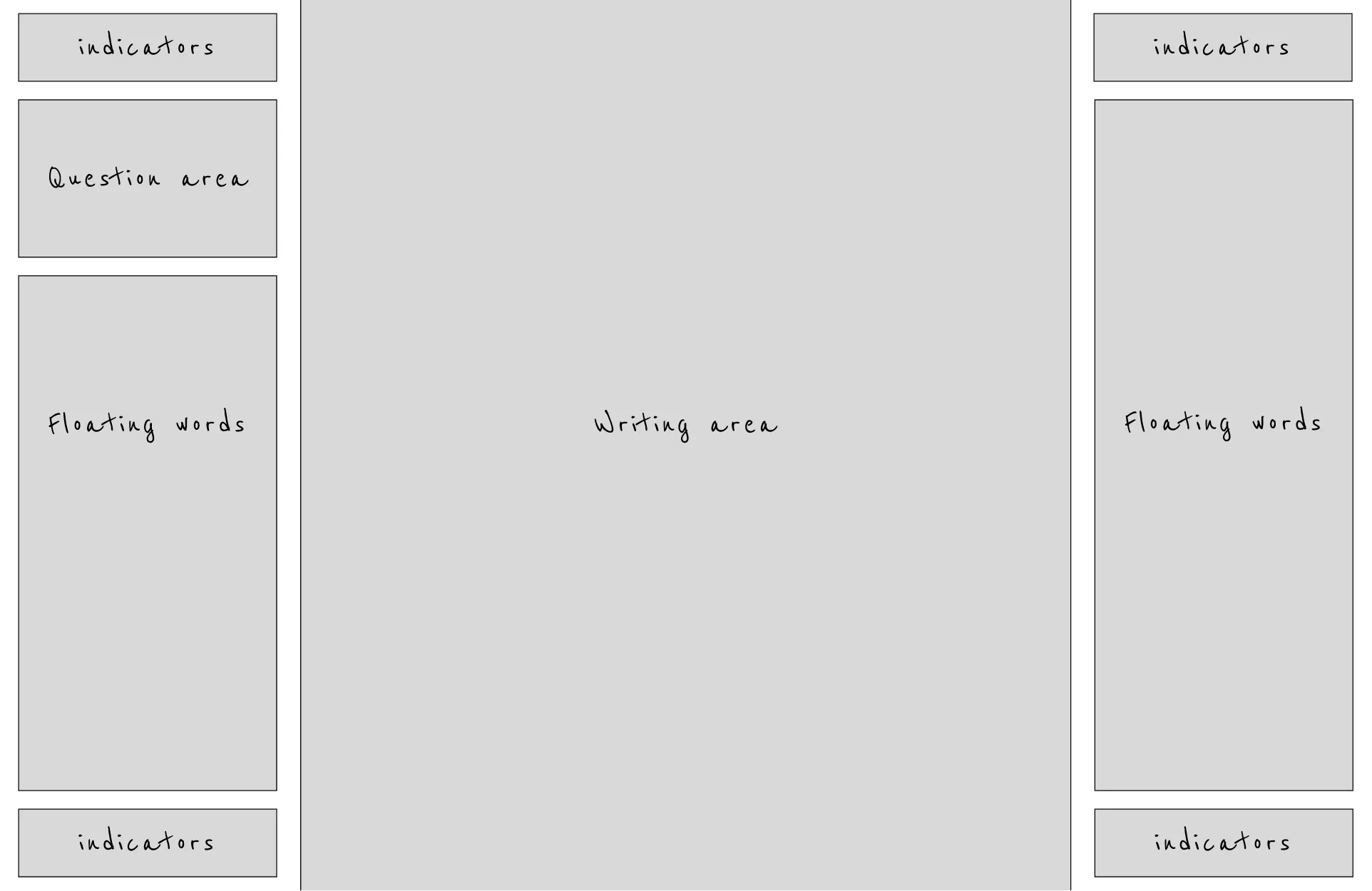
The initial layout worked for short entries. But what happens when users write longer reflections requiring scroll? Words floating on top and bottom would obstruct vertical movement, breaking the flow.
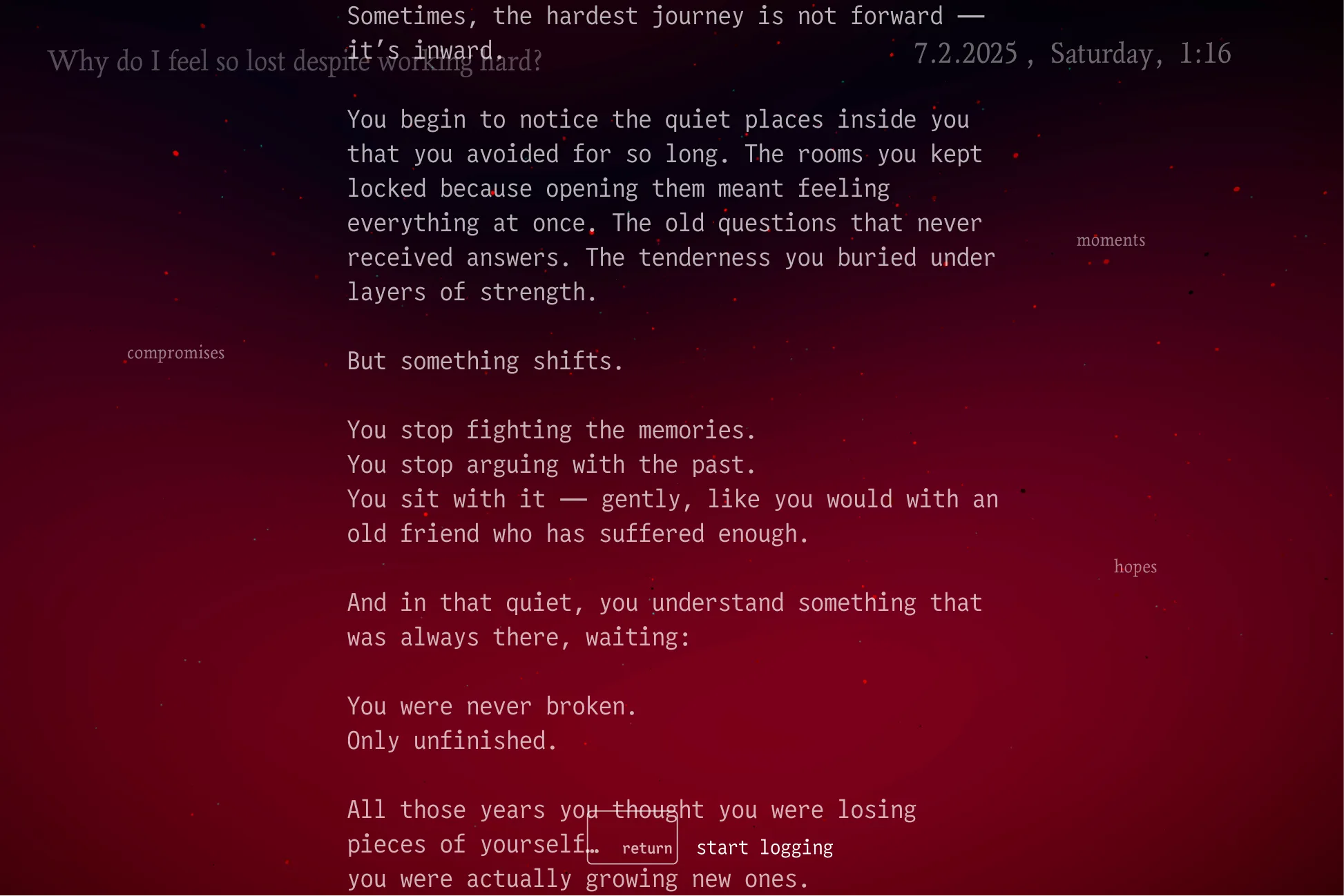
I moved all floating words to the sides only, keeping the top and bottom clear. Vertical space stays unobstructed for seamless scrolling.
Feature #2 - Navigating the Mind Map
Thoughts are messy - they branch, scatter, reconnect. Traditional navigation (breadcrumbs, trees, nodes) can't handle that.
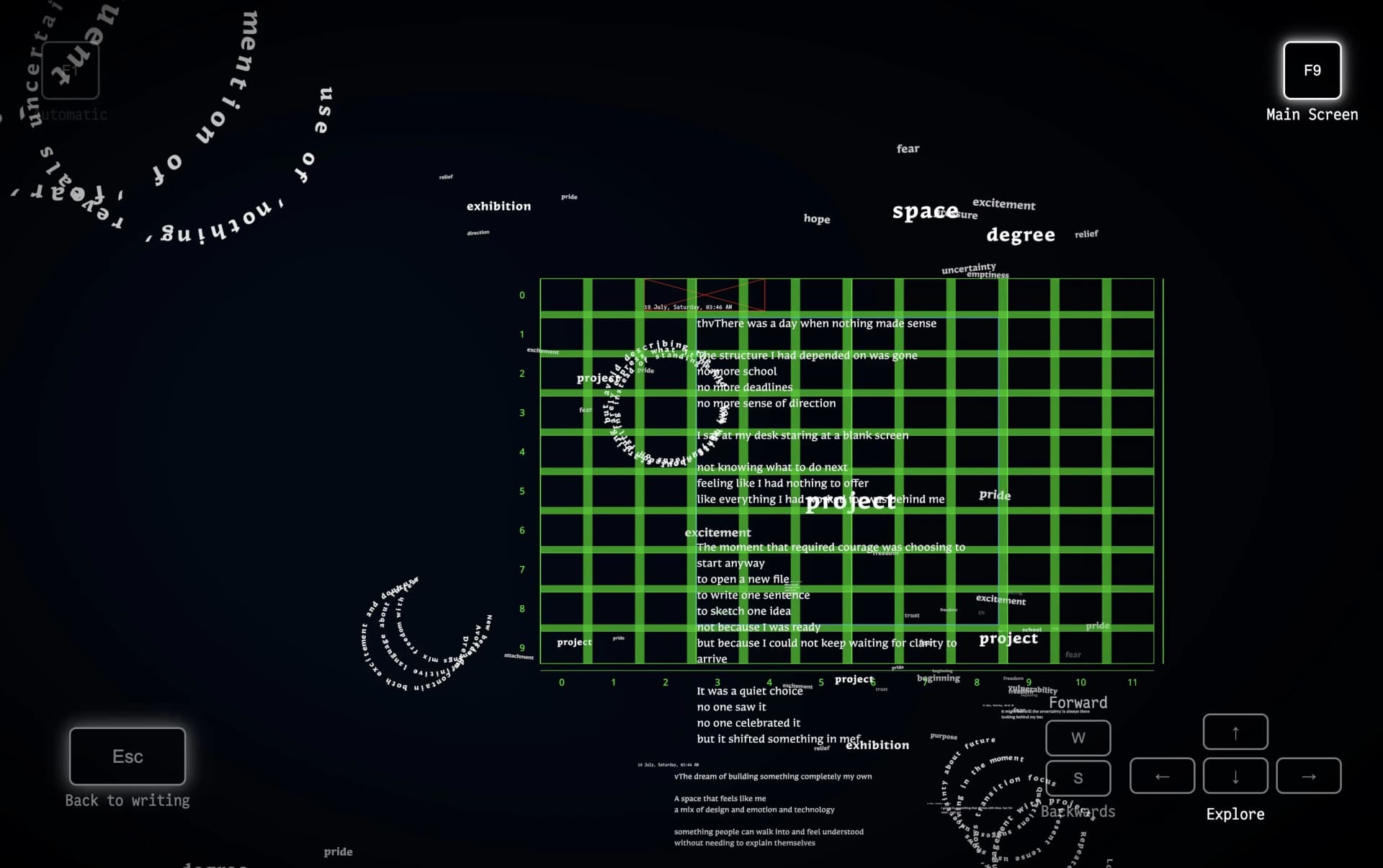
Navigation is spatial. Move with arrows/W/S, Enter to step inside, Esc to explore. Compositions arrange organically-a new way to navigate.
Move with arrows, zoom with W/S, Enter to step inside, Esc to explore. No mouse-just spatial wandering.
Composition Focus
A rich 3D world is great for exploring. But when writing, it becomes distracting noise.
Enter: world disappears. Esc: world returns. Focus ↔ exploration.
Enter: everything disappears, only writing remains. Esc: world returns. Richness for exploring, clarity for writing.
Feature #3 - AI-Generated Insights
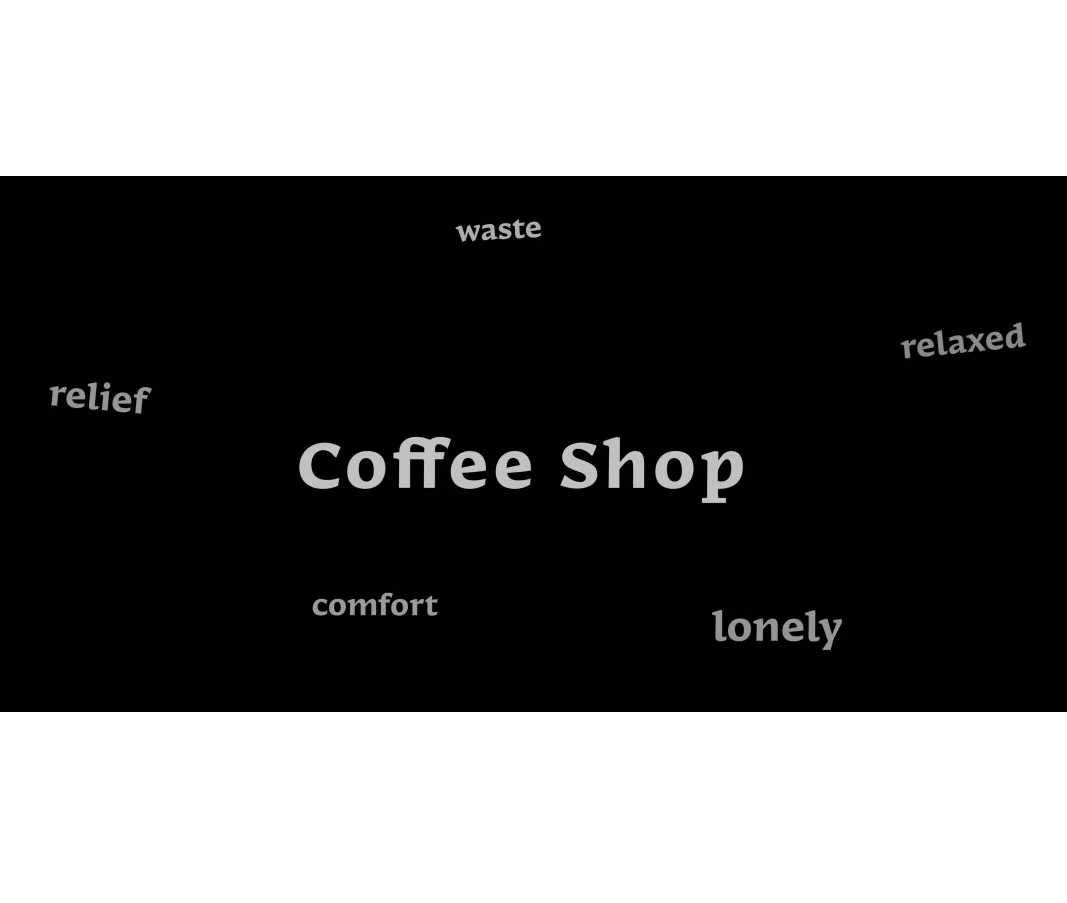
People, places, and concepts at the center with their associated emotions orbiting around them. Shows the emotional context you attach to different parts of your life.
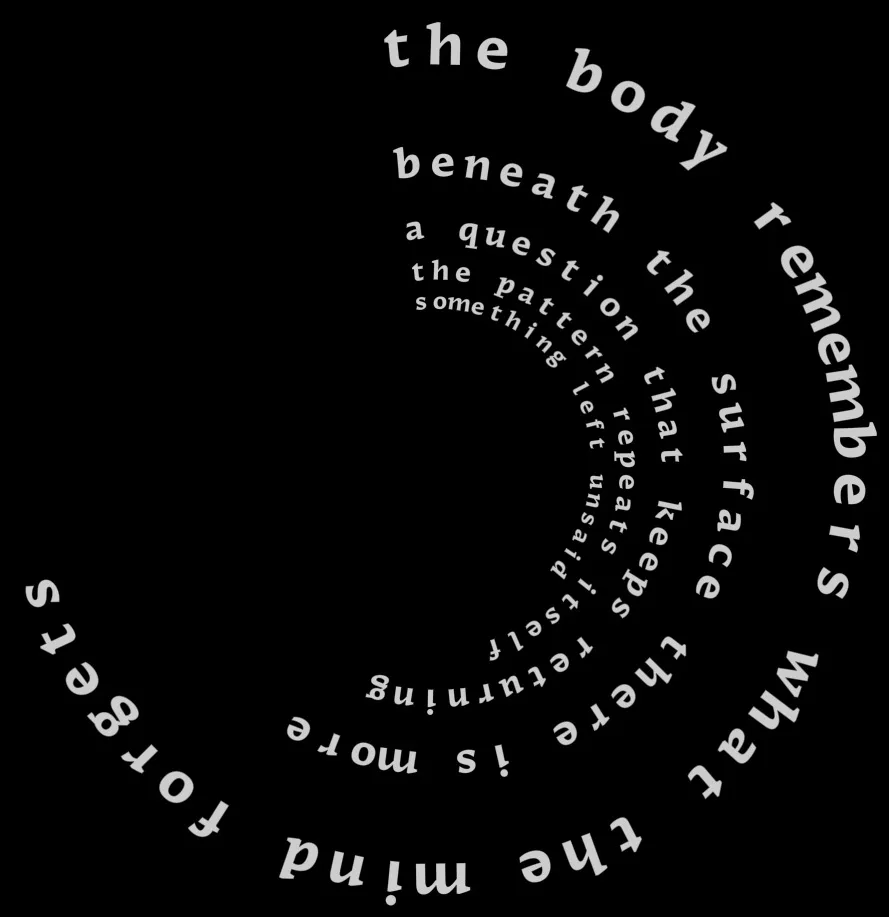
Key insights arranged on rotating rings in depth. Transforms stream-of-consciousness writing into structured, layered thought.
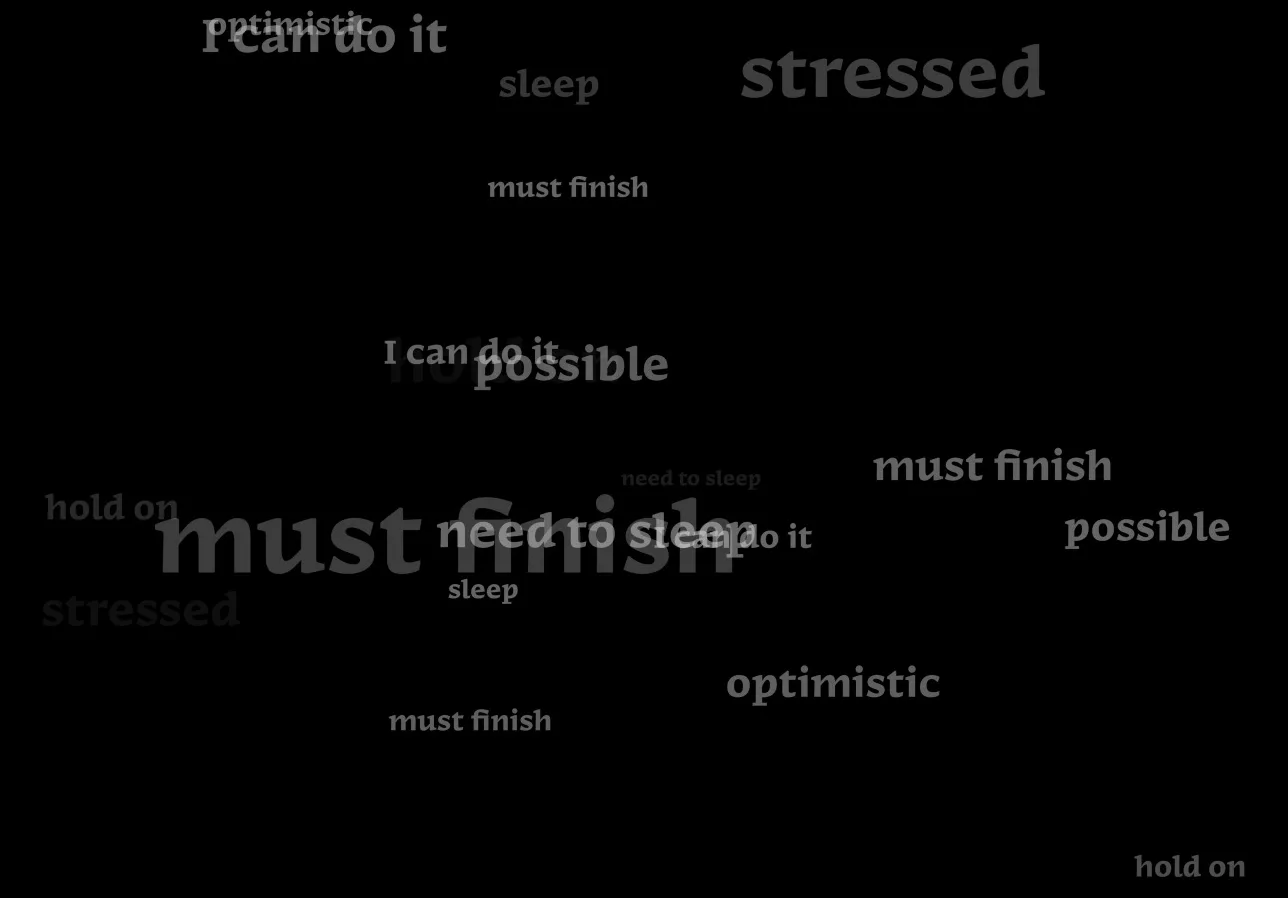
Extracts emotionally significant words from your text and layers them on top of each other. Words with strong emotional weight appear larger and repeated, creating a visual condensation of what you're really saying beneath the surface.
Feature #3 - AI-Generated Insights
Not everything you write carries equal weight. Some moments matter more. Some words hold emotional charge. But in the flow, it's hard to see which ones.
As you write, AI extracts insights and arranges them in the 3D space.
Key insights arranged on rotating rings in depth. Transforms stream-of-consciousness writing into structured, layered thought.
Feature #4 - Emotional Atmosphere
Sound and particles can unlock emotion in ways text can't. The challenge: creating atmospheres that adapt to your writing-comforting, energizing, reflective-without overwhelming.
The AI analyzes your writing for emotional tone - anger, love, sadness - and adapts the atmosphere accordingly. Five moods emerge: Night, Fire, Rain, Dream, and Underwater.
Embers rise. Flames crackle. Warmth wraps around you like an old memory.
Embers rise. Flames crackle. Warmth wraps around you like an old memory.
Building Tools to Build Faster
Particles have dozens of parameters. Tweaking JSON directly meant: change value, refresh, check, repeat. Painfully slow.
Live sliders, instant feedback. Found the feel, exported to JSON. Hours became minutes.
Reception and Impact
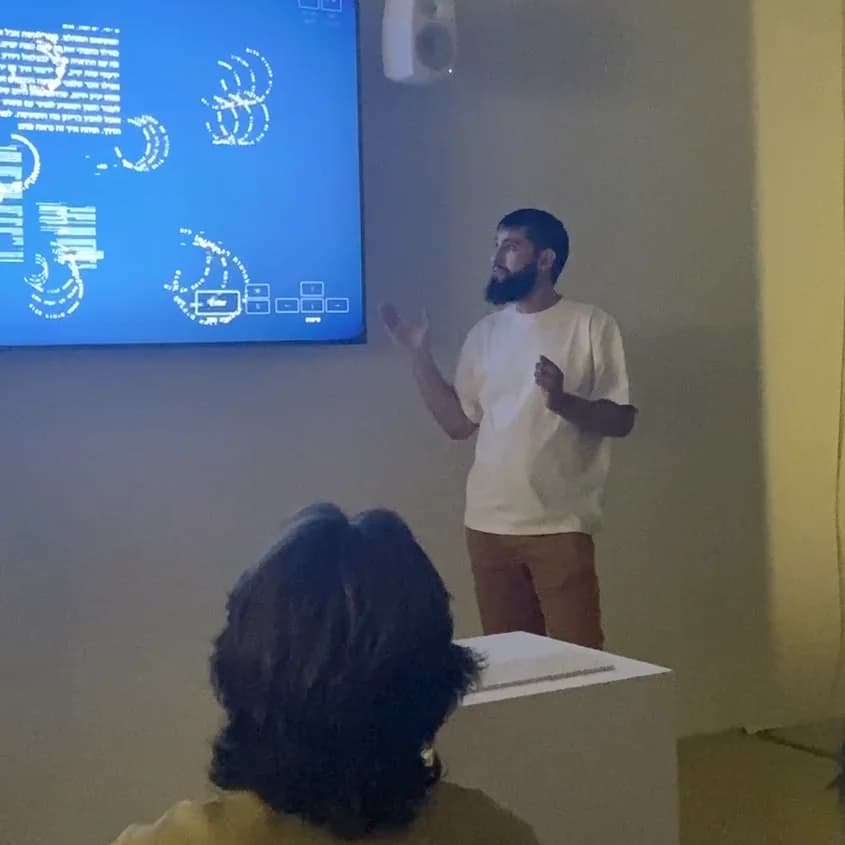
Presentation
What I Learned
What I Learned
Pressure reveals what matters. When time is scarce, you stop second-guessing and start deciding. I learned to trust intuition, cut features ruthlessly, and ship quick solutions that worked.
100 Days
I'm stubborn. Hours debugging bring immense satisfaction when solved.
I realized I could build complex things alone; research, design, code in parallel under pressure.
AI API opened infinite possibilities. Learned: precise prompts, manage tokens, watch costs. People differ-some want flow, others structure. AI always surprises.
Future Potential
This is just the beginning. My final project proves the concept - non-linear journaling in 3D space, AI as a guide not a replacement, spatial navigation that feels natural. But the real potential lies in what comes next.
Mouse input would make the system accessible to a wider audience. Keyboard-only navigation comes from gaming - adding mouse opens it up. It also enables more complex menus and cleaner screens. As features grow, keyboard shortcuts become limiting. Mouse feels essential for continued development.